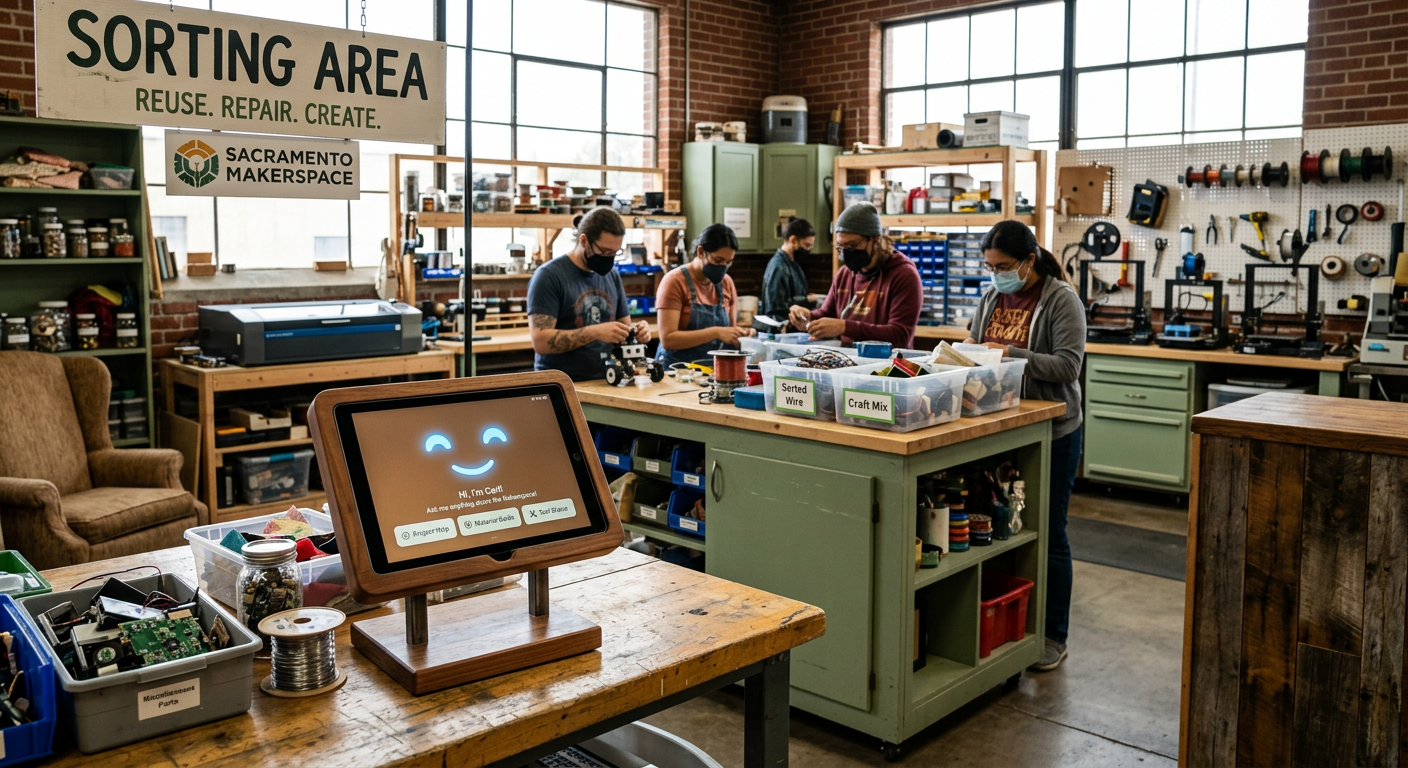
Who is Carl?
Carl = Your AI routing co-pilot
Carl is Upcycle's AI routing assistant. When you're trying to figure out where something should go, Carl analyzes your item description and suggests routes based on:
- Item type and material
- Local facility rules
- Environmental impact
- Community feedback from past routing decisions
- What Carl IS:
- A trained AI model that recognizes items and materials
- A learning system that gets smarter from community feedback
- A decision support tool that speeds up routing research
- What Carl is NOT:
- A robot that physically handles items
- A guarantee of acceptance (facilities make final decisions)
- A replacement for human judgment on edge cases
Think of Carl as a really knowledgeable friend who's read all the recycling guides, talked to all the haulers, and remembers everything — but still wants your input on tricky stuff.
What Carl Can Do
1. Identify items from descriptions You type "old laptop," Carl knows it's electronics — suggests e-waste recycling or tech donation routes.
2. Suggest routing options Carl doesn't just say "recycle" — he suggests specific facilities, haulers, or drop-off locations based on your area and the item type.
3. Explain WHY Carl tells you why he's suggesting a route: "This contains lithium batteries and can't go in regular trash" or "Goodwill accepts these in good condition."
4. Learn from outcomes When you mark a route as successful or unsuccessful, Carl learns. If a hauler stops accepting certain items, Carl adjusts future suggestions.
5. Flag uncertainty If Carl isn't confident, he'll tell you and suggest getting a human review or checking with the facility directly.
Carl processes thousands of routing decisions. He remembers rules humans forget and spots patterns humans miss.
What Carl Can't Do (Important!)
Carl CANNOT:
1. Physically pick up items Carl is software, not a robot. He suggests routes; humans handle logistics.
2. Guarantee acceptance Facilities decide what they'll take. Carl suggests based on rules, but rules change. Always confirm with the facility if you're unsure.
3. Read your mind "Old stuff" doesn't help Carl. "Broken microwave with missing door" does.
4. Override facility policies If Sacramento Recycling says "no electronics," Carl can't change that. He'll suggest alternatives instead.
5. Process items himself Carl guides decisions. You (or your chosen hauler) handle the actual routing.
6. Make ethical decisions for you Sometimes there are tradeoffs (landfill vs. questionable recycler). Carl provides info; you decide what matters.
Carl is a tool, not a solution. He makes routing easier, but you're still in control.
How to Talk to Carl
The better the input, the better the output.
Instead of: "Stuff" Try: "Box of old clothes, mostly t-shirts and jeans, some stains"
Instead of: "Broken thing" Try: "Microwave, doesn't heat, missing glass tray"
Instead of: "Plastic container" Try: "Large plastic storage bin, #5 PP resin code, has cracked lid"
- What Carl loves:
- Material info: "Cotton," "plastic #2," "chipboard," "lithium battery"
- Condition details: "Working," "broken but fixable," "missing parts," "stained"
- Size/quantity: "One box," "entire garage worth," "fits in a backpack"
- Specific item names: "LED bulbs" not "light bulbs," "CRT monitor" not "old screen"
- Pro tips:
- Check for material codes (plastics, batteries)
- Mention if it's hazardous (batteries, chemicals, paint)
- Say if it's working or broken
- Include brand names for electronics (helps Carl find manuals/specs)
Carl can work with vague descriptions, but specific ones get better routes faster.
Community Feedback Makes Carl Smarter
Carl improves through a feedback loop:
1. Carl suggests a route "This microwave → e-waste recycling at Sacramento Recycling Center"
2. You try the route You drop it off (or your hauler does)
- 3. You report the outcome
- "Accepted, no issues"
- "Rejected — they don't take microwaves anymore"
- "Accepted but they said call ahead next time"
4. Carl updates his model If multiple people report rejections, Carl stops suggesting that route for microwaves.
- Why this matters:
- Facility rules change (budget cuts, policy updates, new equipment)
- Carl's training data gets outdated
- Community feedback keeps Carl current
You're not just getting help — you're helping the next person. Every "accepted" or "rejected" report makes Carl's suggestions more accurate for everyone.
Think of it like Waze for routing decisions: the community reports conditions, the AI learns patterns.
Green, Yellow, Red — What They Mean
Carl shows confidence levels for every suggestion:
GREEN = High Confidence "I've seen this item type routed successfully many times. This route works." Example: "Plastic #1 bottle → curbside recycling" Trust level: Go ahead, this is solid.
YELLOW = Medium Confidence "I think this route works, but I have limited data or the rules are unclear." Example: "Old VHS tapes → thrift store donation" Trust level: Probably works, but confirm if it's critical.
RED = Low Confidence "I'm not sure about this one. Rules conflict, data is limited, or this is a new item type." Example: "Biodegradable 'compostable' cup → industrial composting?" Trust level: Don't assume, verify with facility or request human review.
Why Carl shows confidence: Transparency builds trust. You deserve to know when Carl is guessing vs. when he's certain.
- What to do with each level:
- Green: Proceed with confidence
- Yellow: Quick phone call to confirm is smart
- Red: Request human review or do deeper research
When Carl Asks for Help
Carl knows when he's out of his depth.
Situations that trigger human review requests:
1. Conflicting rules "Facility A says they take this, Facility B says they don't, and I can't resolve why."
2. Hazardous materials "This might contain mercury/asbestos/other dangerous stuff. Let a human verify."
3. New item types "I've never seen 'smart refrigerator with built-in tablet' before. I need help categorizing this."
4. Multiple red flags "This is large + electronic + contains batteries + you're in a restricted zone. Too many variables."
5. Community conflict "50% of reports say accepted, 50% say rejected. Something's changed and I don't know what."
- What happens when Carl requests human review:
- Your request goes to Upcycle's routing specialists or experienced community members
- They research the item, contact facilities if needed, and confirm the route
- Carl learns from their decision
This isn't failure — it's smart AI design. Carl knows what he doesn't know.
Carl + Community = Better Outcomes
Upcycle isn't "AI vs. humans" — it's AI + humans working together.
- Carl handles the bulk:
- Routine items (bottles, cans, common donations) = instant suggestions
- Pattern recognition across thousands of items
- Remembering rules humans forget
- Humans handle the edge cases:
- Unusual items Carl hasn't seen
- Judgment calls on ethics/tradeoffs
- Relationship-building with facilities
- Policy interpretation when rules are vague
- The result:
- Faster routing decisions (Carl handles 80% instantly)
- Higher accuracy (humans catch Carl's mistakes)
- Continuous improvement (feedback loop keeps Carl learning)
- Better user experience (you get help without waiting days)
- Your role:
- Give Carl good descriptions
- Try his suggestions
- Report outcomes (accepted/rejected)
- Request human review when needed
- Trust the process
Carl isn't replacing anyone — he's amplifying what humans can do. Together, we're building the smartest routing system in the world.